


Game screenshots
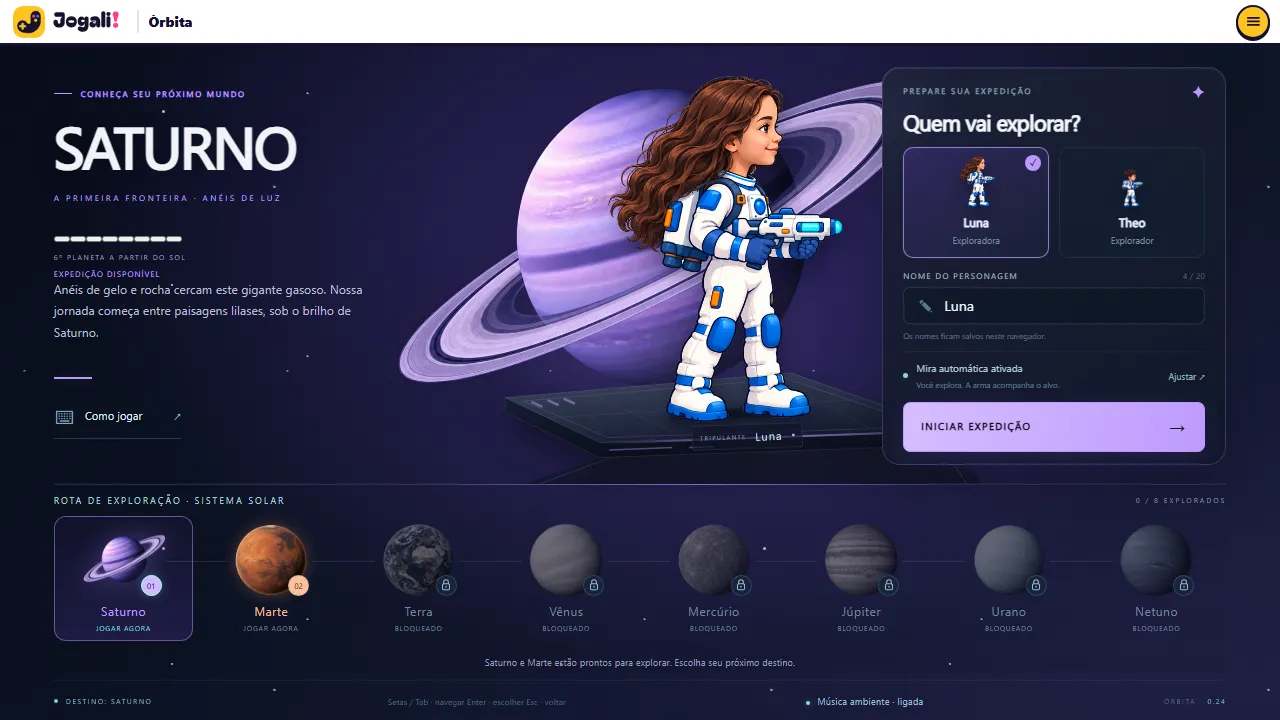 Choosing the planet and the character before the expedition
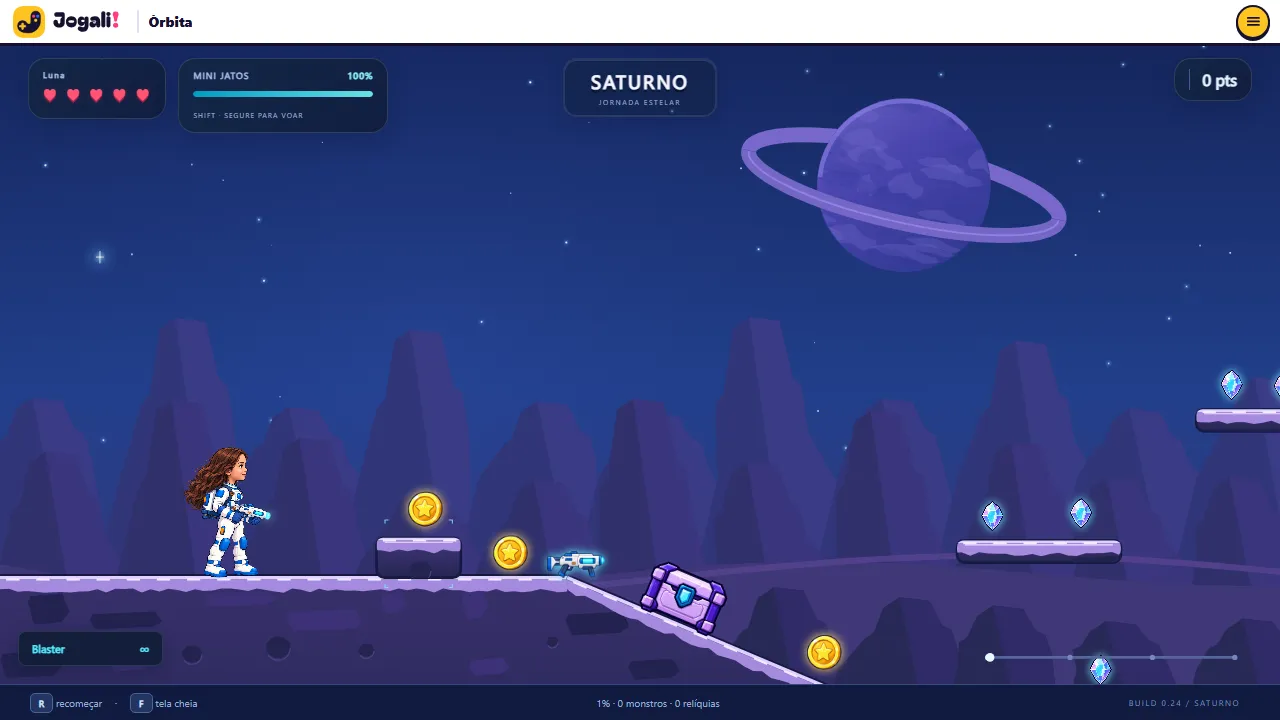 Saturn: floating platforms, crystals and the mini jets gauge
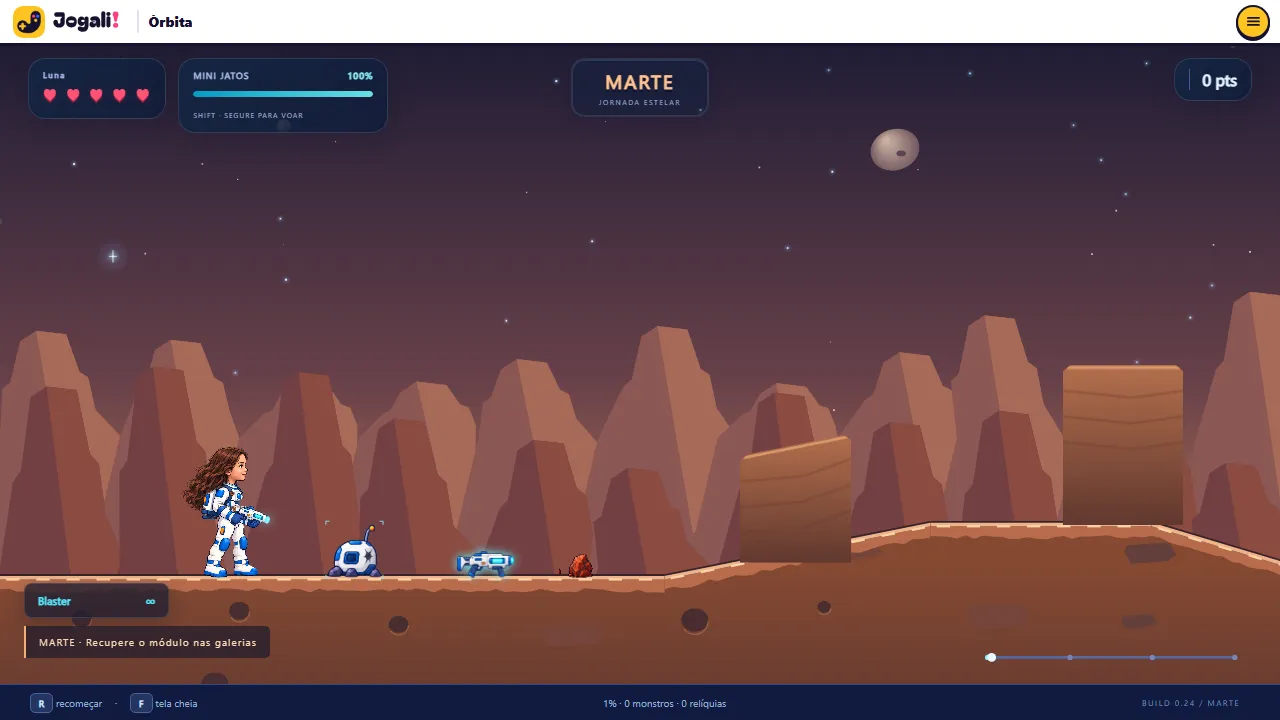 Mars: red canyons and the mission in the galleries
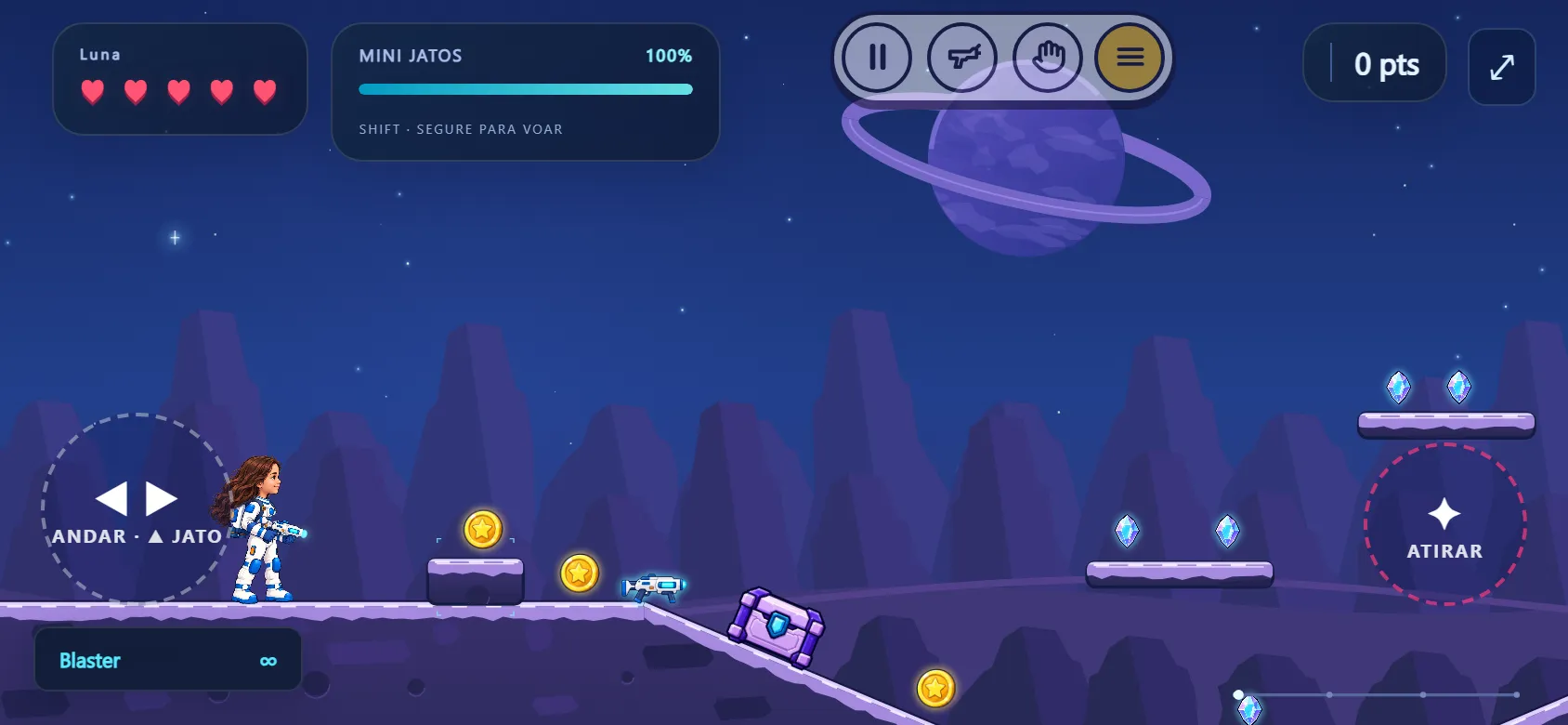 On a phone in landscape: on-screen controls and a compact menu
About the game
Órbita is a 2D platform adventure where you explore planets of the Solar System. You choose between Luna and Theo, name your character and set off for the first destination: Saturn, with rings of light, floating platforms and blue crystals in lilac landscapes. Next comes Mars, with underground galleries and a rover ride across the red planet.
Along the way you jump between platforms, use mini jets to fly for a few moments, collect crystals and fight aliens with a weapon you can swap for three others. Auto-aim follows the targets ahead so you can focus on exploring; if you want full control, you can turn it off.
The destination map shows the eight planets of the exploration route. Saturn and Mars are open now and the rest are coming soon. Órbita has no leaderboard: it is a game to explore at your own pace.
Highlights
- Two expeditions: Saturn and Mars
- Two characters, Luna and Theo, with editable names
- Mini jets, ledge climbing and auto-aim
- Four weapons and aliens to face
- A rover ride on Mars
- Keyboard on computers and on-screen controls on phones
How to play
- On the start screen, pick a planet with the arrows, pick the astronaut and, if you like, change the name.
- Press Start expedition. The game loads the planet’s assets and enters the level.
- Run, jump and climb ledges to reach new areas. The mini jets have limited fuel: the gauge shows how much is left.
- Collect crystals, watch your hearts (your health) and shoot the aliens.
- On Mars, look for the rover to cross the terrain.
Tips
- Leave auto-aim on for your first runs. It prioritizes aliens and then objects in front of you.
- Keep an eye on the mini jets gauge at the top of the screen: fuel is limited, so plan your flights instead of holding the whole time.
- Switch weapons with Q depending on the enemy: the Blaster has infinite ammo, and the others (Pulse, Spreader and Plasma) fire in different ways.
- Settings has physics controls (speed, jump, jets). You can make the game easier or harder, and restore the defaults.
- Playing on a phone? Turn it sideways: the on-screen controls sit on the edges.
Keyboard and mouse
| AD | Move |
| W | Jump and climb ledge |
| Shift (hold) | Mini jets |
| Spaceor J | Shoot |
| S | Crouch / drop from ledge |
| Q | Switch weapon |
| E | Grab ledge |
| Tab | Equipment |
| ↑ ↓ | Adjust aim |
| X | Center aim |
| Esc | Pause |
| R· F | Restart · fullscreen |
Touch on phones
| Circle on the left | Walk and use the jet |
| Shoot button | Fire |
| Icons in the top menu | Pause, switch weapon and act |
FAQ
Does Órbita work on phones?
Yes, with on-screen controls, but it plays best on a computer with a keyboard. On a phone, play in landscape.
Which planets can I visit?
Saturn and Mars. Earth, Venus, Mercury, Jupiter, Uranus and Neptune show on the map as “coming soon”.
Is there a leaderboard?
No. Órbita is an exploration game; leaderboards are in the score-based games, like Prisma and Magic Jewels.
Is my progress saved?
Names and settings are saved in this browser.
Can I change the difficulty?
Yes. In Settings you adjust speed, jump strength, jet strength and fuel, and you can turn auto-aim on or off.