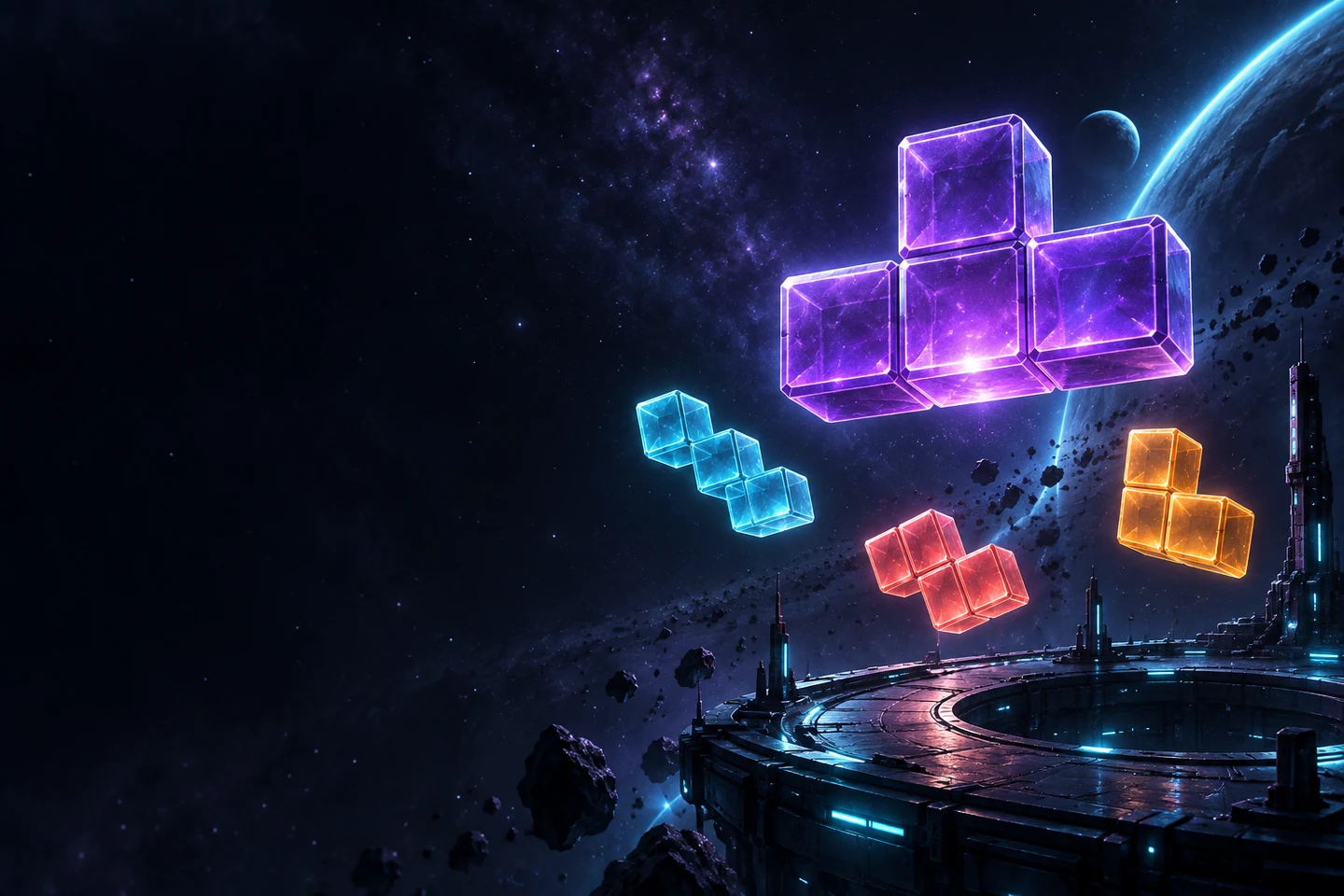
Game screenshots
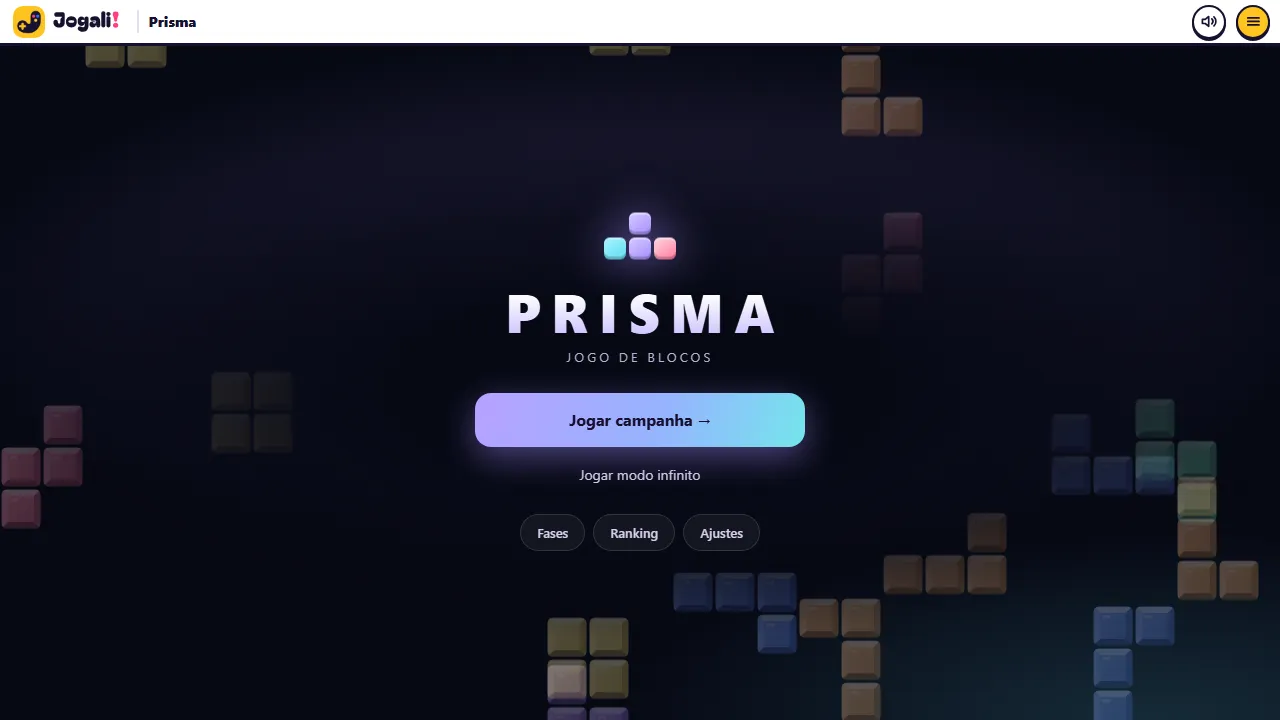 Start screen: campaign, endless mode, stages and leaderboard
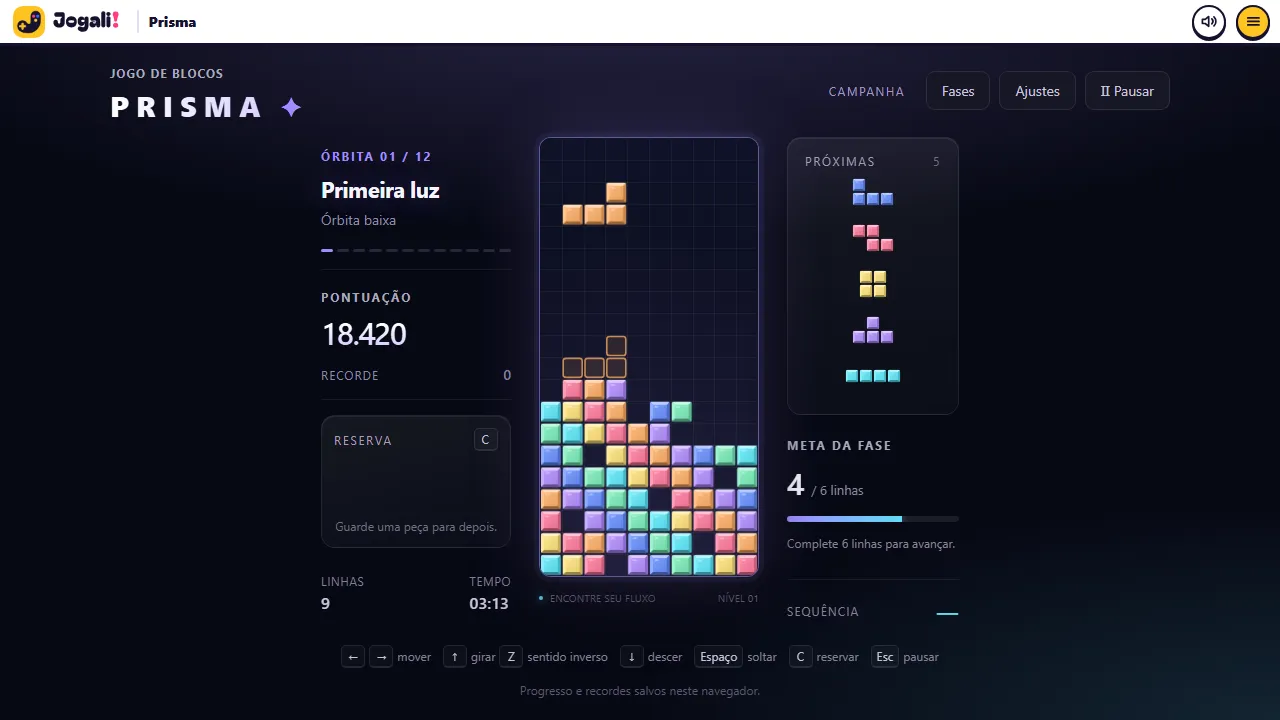 A match on a computer: next pieces, hold and stage goal
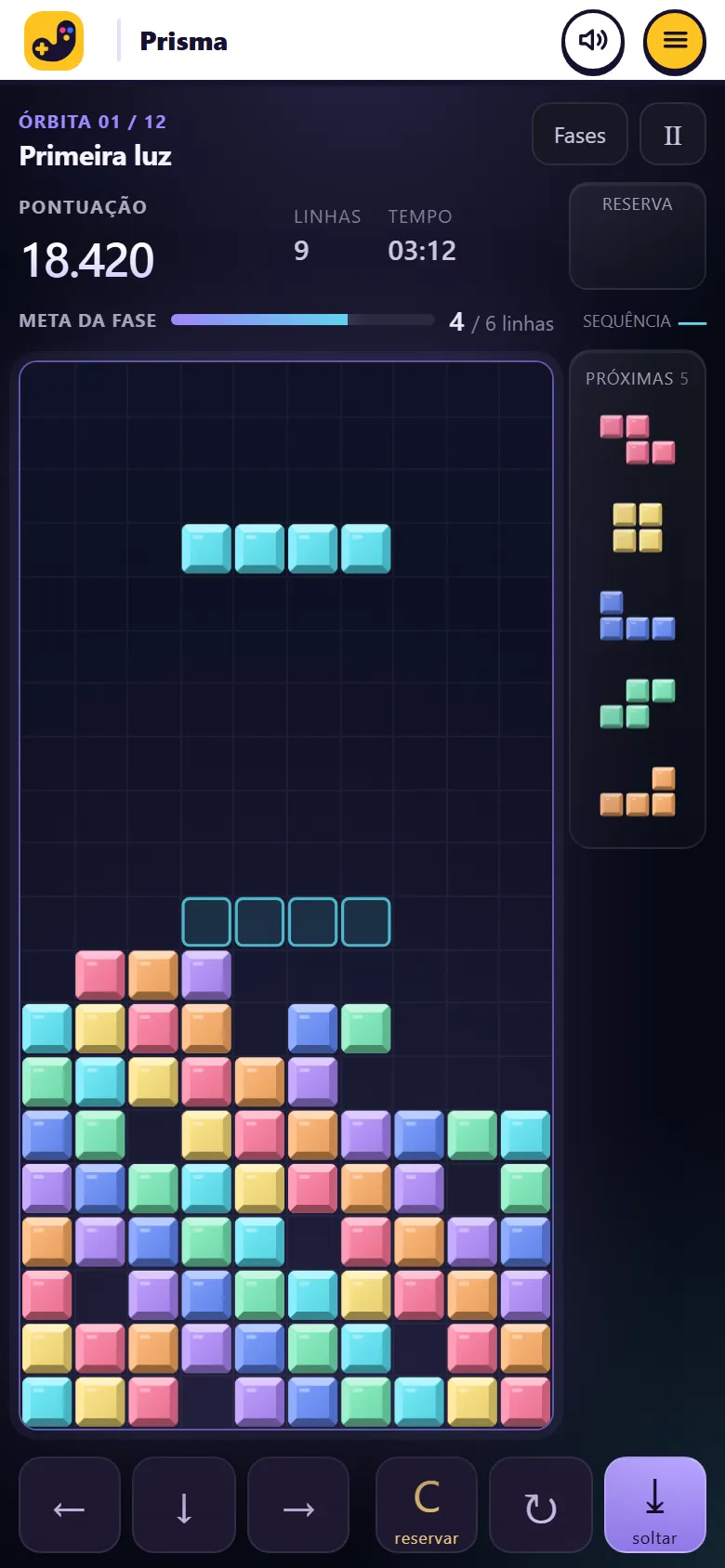 On a phone the field fits the screen, no scrolling
About the game
Prisma is a block puzzle you play right in your browser, with nothing to install and no sign-up. Pieces in seven shapes fall into a field 10 columns wide and 20 rows tall. You move, rotate and fit each one to complete lines, which disappear and score points. If the stack reaches the top, the run ends.
There are two ways to play. In the campaign there are 12 stages, called orbits, each with its own line goal and speed. Finishing one unlocks the next. In endless mode there is no goal: the game speeds up every 10 lines and the best run wins. Each mode has its own leaderboard.
The game is built to work well on phones and computers. On a phone the field fills the screen without scrolling and you play with gestures or buttons. On a computer the keyboard gives full control.
Highlights
- 12 stages with different goals and speeds
- Endless mode that speeds up every 10 lines
- Weekly and all-time leaderboards, separate for each mode
- Hold, next 5 pieces and a landing shadow
- Gestures and buttons on phones, keyboard on computers
- Your progress and high scores are saved in this browser
How to play
- Pick Play campaign or Play endless mode on the start screen.
- Move the piece sideways and rotate it to fit. A shadow shows where it will land.
- Complete horizontal lines with no gaps: they vanish and everything above drops. Clearing several at once scores more, and clearing in a row builds a combo.
- Use hold to store a piece you cannot use right now. You can hold once per piece.
- In the campaign, reach the stage’s line goal to unlock the next one. The lower your stack, the more stars you earn (up to 3).
Tips
- Keep the stack low and flat. Hidden holes under pieces are what ends most runs.
- Leave one edge column open so the long piece can clear several lines at once.
- Check the queue of the next 5 pieces before deciding where to place the current one.
- Pieces come in bags of seven (one of each shape, shuffled), so the same piece rarely takes long to show up.
- Use hold to keep the long piece for the right moment, not to escape every hard piece.
Keyboard and mouse
| ← →or A D | Move the piece |
| ↑WX | Rotate |
| Z | Rotate the other way |
| ↓or S | Soft drop |
| Space | Hard drop |
| Cor Shift | Hold piece |
| Escor P | Pause |
| F | Fullscreen |
Touch on phones
| Drag sideways | Move the piece |
| Tap the field | Rotate |
| Swipe down | Hard drop |
| Swipe up | Hold |
| On-screen buttons | Move, rotate, drop and hold, one hand on each side |
Leaderboard
FAQ
Do I need an account to play?
No. You can play without signing up. A Google account is only needed to appear on the leaderboard.
Is my progress saved?
Yes, in this browser: unlocked stages, stars, high scores and a paused game. Clearing your browser data erases it.
Does it work on phones?
Yes, portrait or landscape. The game fits the screen without scrolling and can go fullscreen when you start playing.
How do I get on the leaderboard?
Sign in with Google from the game menu. Your best score in each mode shows with your nickname (or first name). If you play before signing in, your best score is sent when you do.
How many stages are there?
Twelve orbits in the campaign, from First Light to Perfect Orbit, plus endless mode.